
A useful workspace gives people enough room for the work, furniture that fits, reliable equipment, and storage that keeps supplies within reach.
The strongest way to control cost is to plan before buying. Review what the team does, measure the available space, keep the items that still work, and rank new purchases by their effect on comfort and productivity.
This approach directs money toward daily needs instead of filling the office with pieces that look appealing but solve no problem.
Define What the Workspace Must Support
Start with the work performed in the space. An employee who handles calls needs a different setup from someone who reviews large documents or works with two monitors. A shared touchdown area has different needs from an assigned workstation used every day.
List the tasks, equipment, storage needs, and privacy requirements for each work area. Note how often people move between individual work and team discussions. This information gives each purchase a purpose.
Individual Workstations
Plan around the employee's primary tasks, required equipment, work surface, storage, and need for privacy or concentration.
Shared Work Areas
Consider how often employees collaborate, hold meetings, use temporary desks, or move between different activities.
A functional plan can also reveal where spending is unnecessary. A small team may need one well-equipped meeting area instead of several underused tables.
Employees who work mainly on laptops may need monitor arms and docking points more than oversized desks.
Check What You Already Have
An inventory can reduce the shopping list before a budget is set. Review desks, chairs, storage, lighting, monitor supports, power access, and shared equipment.
Keep items that are safe, stable, and suited to the new plan. A sound desk may need cable management rather than replacement. Existing cabinets can move closer to the teams that use their contents.
- Inspect existing desks and work surfaces.
- Check seating condition and adjustability.
- Review storage cabinets, drawers, and shelving.
- Evaluate lighting, power access, and monitor supports.
- Identify furniture that can be repaired, relocated, or reused.
Matching paint, hardware, or storage bins can help older pieces sit comfortably beside new furniture.
Avoid keeping an item simply because it is available. A chair that cannot be adjusted or a cabinet that blocks a walking route can create a problem that costs more to correct later.
Measure the Room Before Choosing Furniture
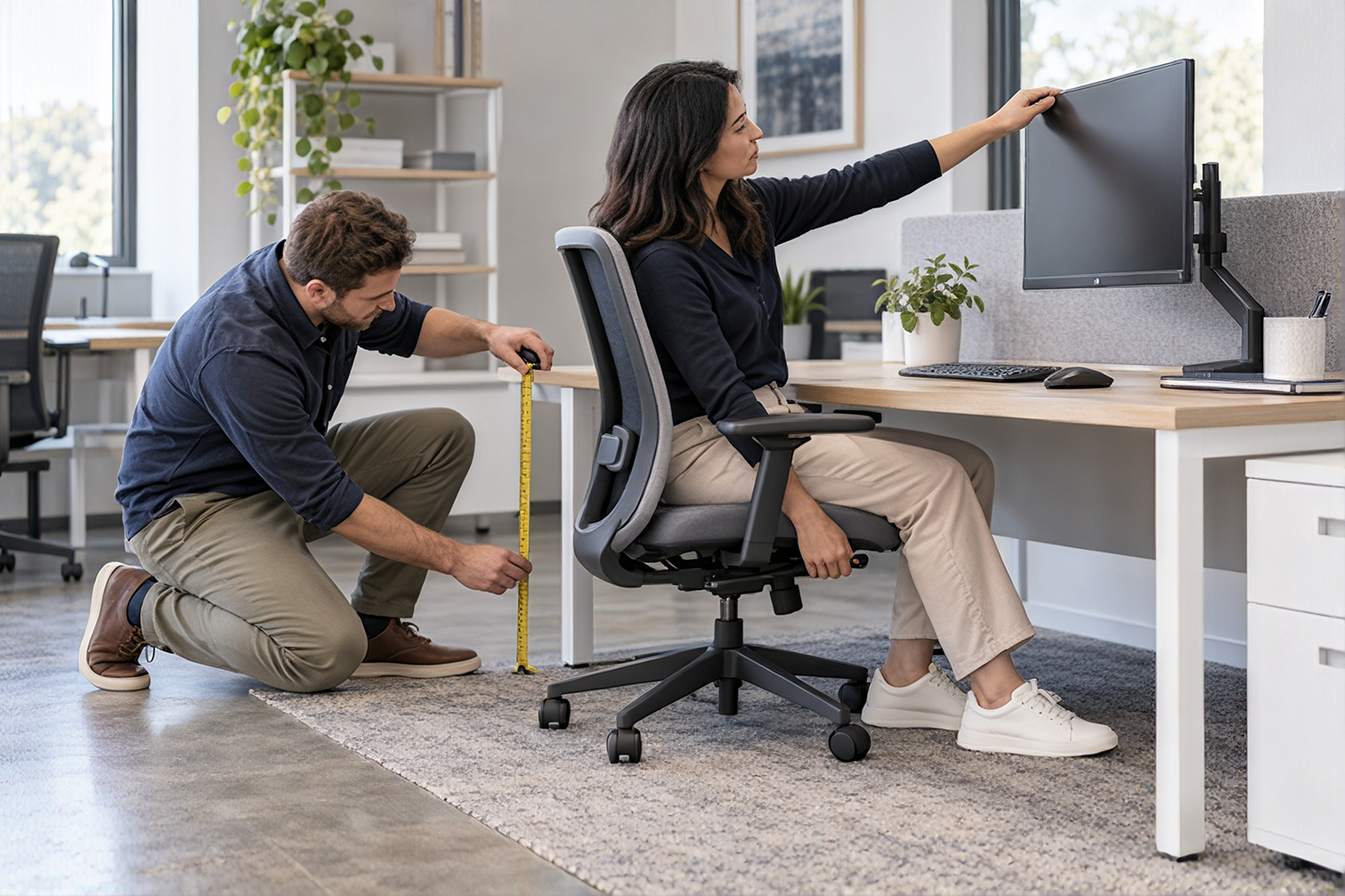
Measurements protect the budget from expensive mistakes. Record wall lengths, door swings, windows, columns, power locations, and the paths people use to enter or cross the room.
Mark the space required to pull out a chair, open a drawer, reach storage, and pass behind an occupied workstation.
Furniture must fit the way the room is used, not just its dimensions.
Include the equipment that will sit on each surface. A desk that fits on paper may feel cramped once monitors and task materials are added.
Use those dimensions when comparing products. Buying by size and function narrows the choices and reduces the chance of paying return, delivery, or replacement costs for furniture that does not fit.
Put Comfort at the Top of the List
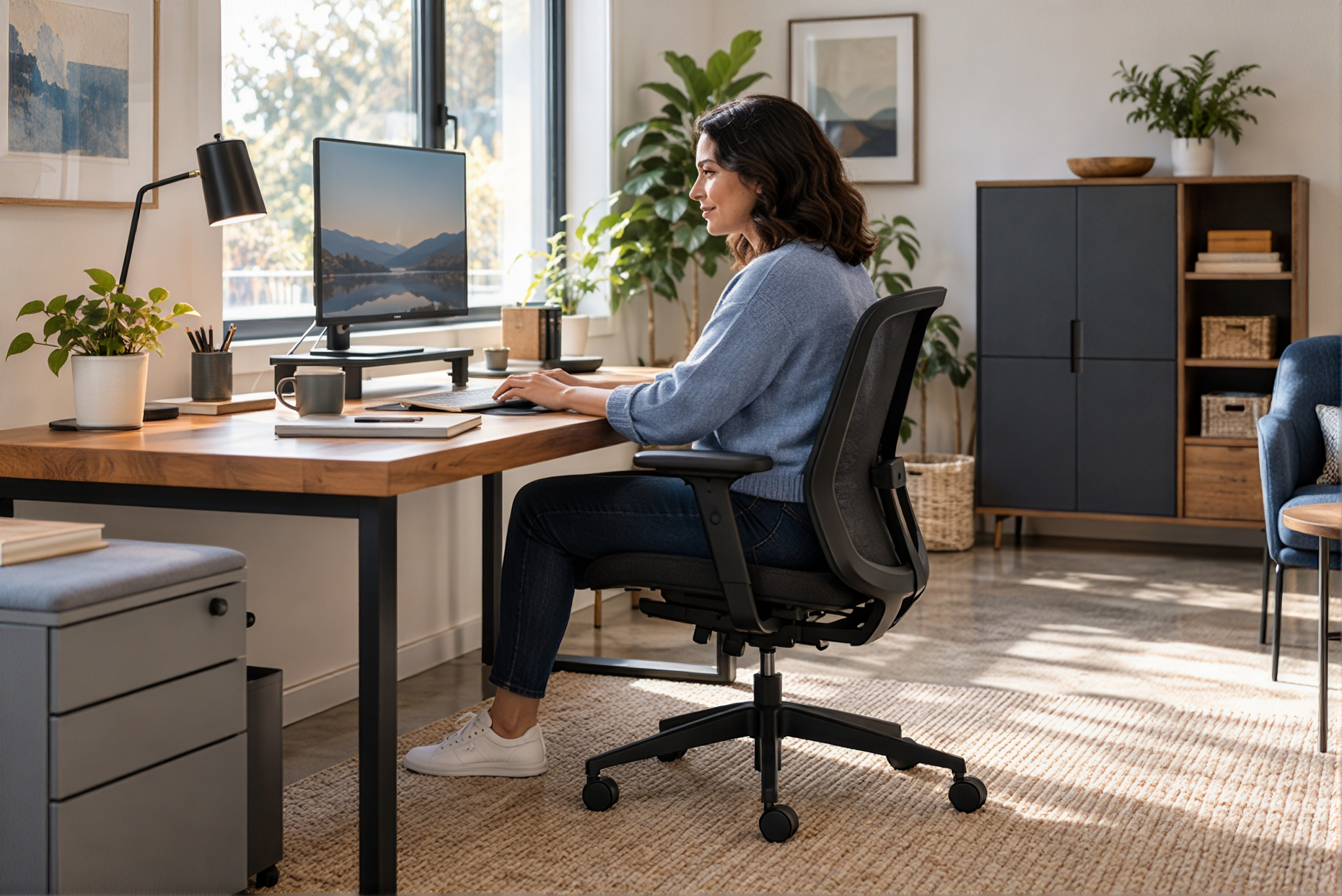
The chair, work surface, monitor position, and lighting affect employees throughout the day. These items deserve more attention than decorative pieces.
Prioritize Everyday Comfort
Choose seating with adjustments that match the people who will use it. Check seat height, back support, arm position, and the relationship between the chair and desk.
Place monitors at a comfortable viewing height and leave enough depth between the user and screen.
Good task lighting can improve a workstation without changing the entire room. Control glare from windows and overhead fixtures, then add a lamp where detailed work needs more light.
Buy in Phases
The office does not have to be completed in one order. A phased plan can spread spending and give the team time to test early choices.
Phase 1: Essential Work Needs
Start with safety, seating, work surfaces, power, and the equipment employees need to perform their jobs.
Phase 2: Supporting Furniture
Add storage, meeting furniture, acoustic products, and finishing pieces according to actual use and available funds.
Set a date to review the first phase. Ask whether employees can adjust their chairs, reach power, store active materials, and work without blocking circulation.
Use those answers to shape the next purchase instead of repeating a choice that does not perform well.
Choose Furniture That Can Do More Than One Job
Multipurpose furniture can reduce the number of pieces in a small office. A mobile table can support a team meeting, training session, or temporary project.
A storage cabinet can also define the edge of a work area. A mobile pedestal can provide personal storage and an extra surface when its height and construction allow it.
Mobile Tables
Adapt meeting, training, and temporary project spaces without requiring dedicated furniture for every activity.
Flexible Storage
Use suitable cabinets and mobile pedestals to support storage needs while helping organize work areas.
Flexibility should remain practical.
Furniture that moves should be stable when in use and easy for employees to handle. Folding or nesting pieces still need a clear storage location.
Choose adaptable products where work patterns change. Use fixed furniture where stability and daily durability matter more than movement.
Keep Storage Close and Controlled
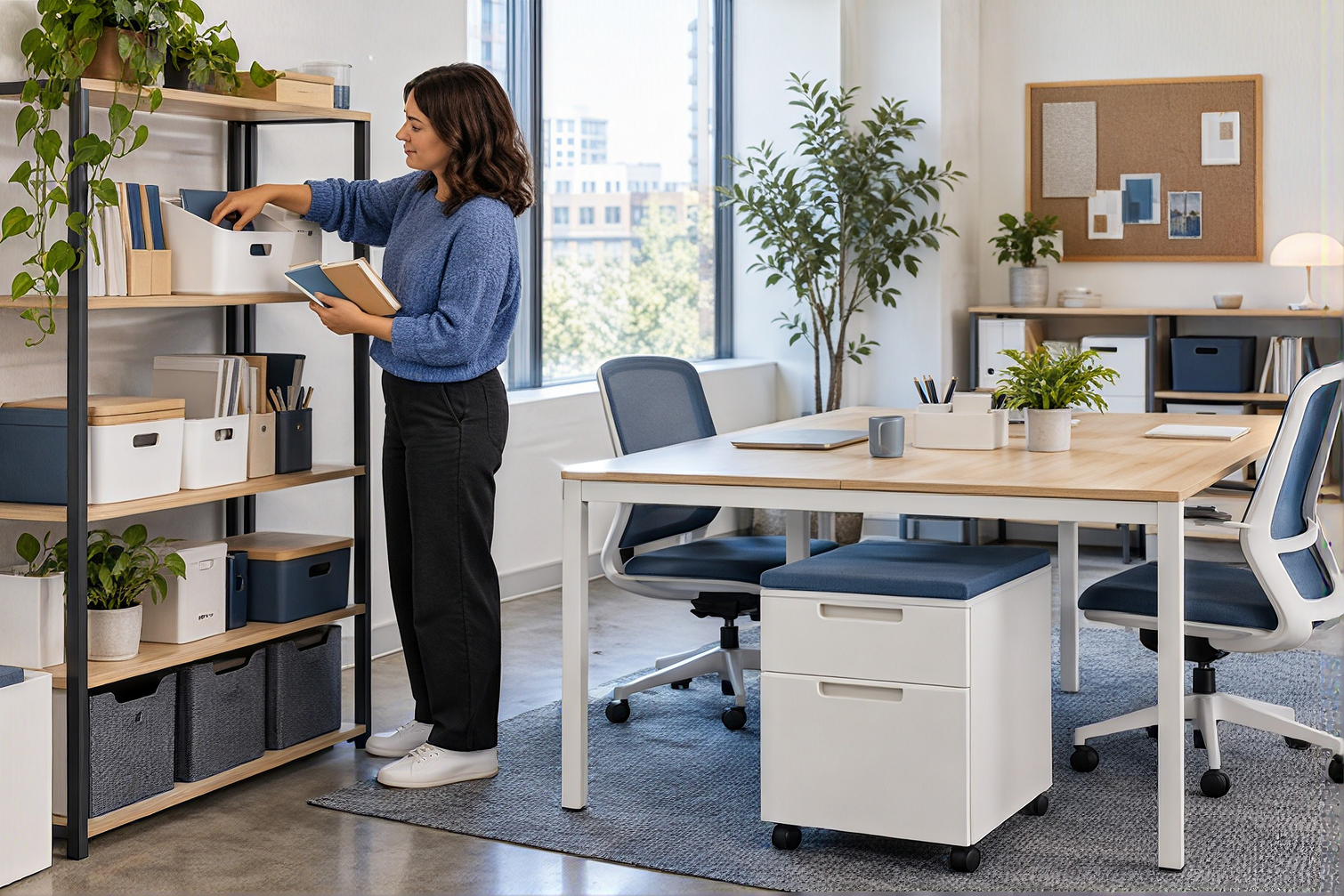
Storage should make work easier rather than hide clutter. Place frequently used items near the people who need them.
Move archived records, surplus supplies, and seasonal materials away from active work areas.
Use a consistent system for shelves, drawers, and bins. Employees should be able to find an item and return it without searching several cabinets.
Open Storage
Works well for frequently used items that can remain orderly and easily accessible.
Closed Storage
Better suited to visual clutter, sensitive materials, and supplies that require controlled access.
Shared supplies also need clear ownership so the office does not reorder products that are already in stock.
Standardize Where It Makes Sense
Using a consistent group of desks, chairs, and storage pieces can make purchasing and future changes easier.
The office can move parts between workstations, replace a single component, and add matching pieces as the team grows.
Standardization does not require every employee to have the same setup. Start with a dependable base, then add the adjustments or equipment required for specific roles.
One employee may need a second monitor while another needs additional document storage.
Limit the number of finishes and sizes when there is no work-related reason for more variety.
Fewer variations can reduce ordering errors and help the space look coordinated without paying for a full redesign.
Compare the Full Cost of Each Purchase
Purchase price tells only part of the story. Include construction, warranty terms, available parts, delivery, assembly, expected use, and the cost of replacement if an item wears out early or cannot adapt when the office changes.
Initial Purchase Cost
Compare the product price together with delivery, assembly, and any installation requirements.
Long-Term Ownership Cost
Evaluate durability, maintenance, warranty coverage, replacement parts, and expected useful life.
Spend more where failure would disrupt daily work.
A chair used every workday carries more responsibility than a side table used once a month. The buying decision should reflect that difference.
Ask how a product will be maintained. Replaceable casters, adjustable components, cleanable surfaces, and available parts can extend the useful life of office furniture.
Control Cost After the Workspace Opens
A budget-friendly workspace still needs care. Assign responsibility for reporting damaged furniture, loose hardware, cable problems, and low supplies.
Early attention can prevent a small issue from becoming a replacement purchase.
Maintain a Practical Workspace Management Plan
- Report damaged furniture and equipment promptly.
- Check loose hardware and cable problems.
- Review furniture placement after employees begin using the space.
- Identify crowded circulation paths and unused furniture.
- Move existing pieces before purchasing additional items.
- Maintain an updated inventory of furniture and equipment.
Review the layout after employees have used it. Watch for empty storage, crowded paths, unused furniture, and places where people have created their own workarounds.
Keep an updated furniture and equipment list. Record locations, basic specifications, purchase dates, and warranty information.
That record supports future moves and helps the business buy compatible items.
Build the Workspace Around Real Priorities
A functional workspace starts with the work, the people, and the room. Measure first, reuse suitable pieces, and spend on comfort and daily performance.
Add the rest in planned phases. Choose furniture that fits the available space, supports actual tasks, and remains useful as business needs change.
The goal is not simply to spend less. It is to make each purchase support a workplace that functions well.
Office Solutions can help your business review space needs, select office furniture, and plan work areas that fit your budget.
Ready to Find Your Office Solution?
Contact our team to discuss a functional workspace plan that prioritizes comfort, efficient use of space, and smart furniture investments without exceeding your budget.
Contact Us Today