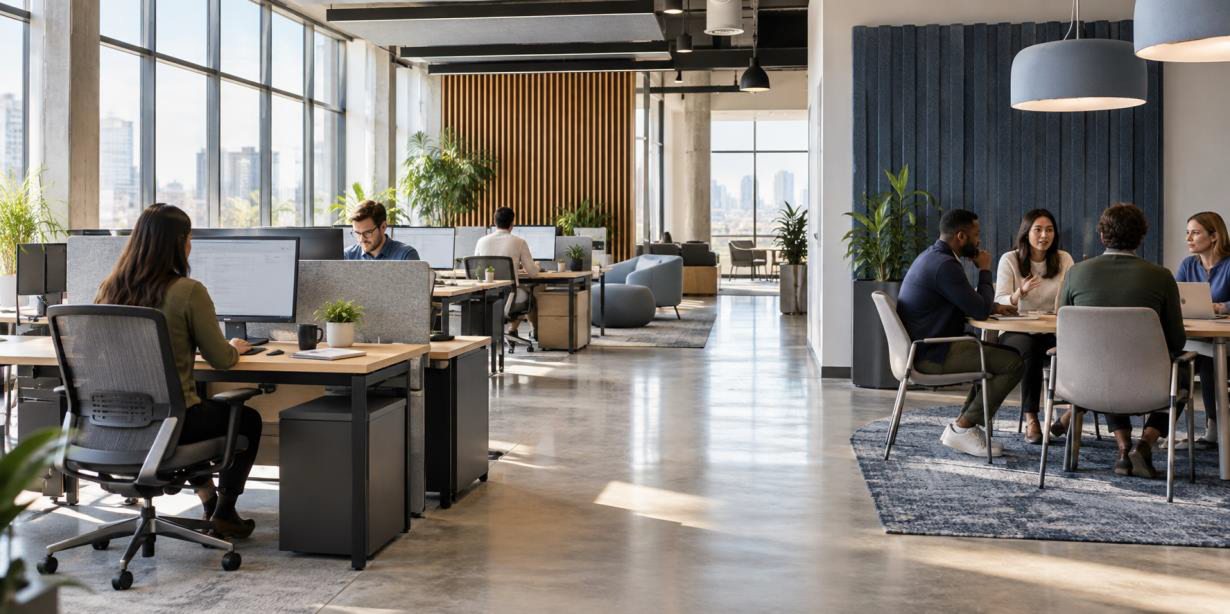
Office layout shapes how work moves through the day. The distance between teams, the amount of visual and sound privacy, and the location of shared spaces all affect how easily employees can concentrate, exchange information, and solve problems together.
An effective layout does more than fit desks into a floor plan. It gives people clear choices. Employees need places for sustained attention, short conversations, planned meetings, private calls, and breaks.
When those settings are easy to find and use, the office supports the work instead of competing with it.
Start with the Work People Do
A layout should reflect the tasks performed in the office. Different teams have different needs, and the design should respond to how employees actually work.
Sales Teams
Sales teams may need rooms for calls, client conversations, and quick discussions throughout the day.
Finance Departments
Finance groups may require greater sound and visual privacy when handling detailed work or confidential information.
Project Teams
Project teams may benefit from shared surfaces, nearby meeting spaces, and areas that support collaborative problem-solving.
Individual Contributors
Employees working on detailed tasks need quiet, comfortable spaces that help them maintain concentration.
Begin by observing how employees spend their time.
Identify which tasks require quiet, which depend on conversation, and which involve confidential information. Ask where people gather now and where congestion or interruptions occur.
This review helps define the mix of settings the office needs. It also keeps design decisions tied to daily work rather than a fixed idea of what an office should look like.
Protect Space for Focused Work

Acoustic separation helps employees concentrate without disconnecting them from the office.
Open areas can make coworkers easy to reach, but constant speech and movement can pull attention away from detailed tasks. Focus work needs some protection from those distractions.
Practical Ways to Create Focus Zones
- Use acoustic screens to reduce distractions.
- Include enclosed rooms for tasks that require sustained attention.
- Consider higher partitions where additional separation is needed.
- Orient desks thoughtfully, away from busy paths.
- Use sound-absorbing materials to reduce the spread of conversations.
- Provide enough distance between quiet workstations and active areas.
Focus areas do not need to feel isolated. Natural light, comfortable furniture, and a clear connection to the rest of the office can keep them pleasant while preserving the conditions needed for concentration.
Put Collaboration Close to the People Who Use It
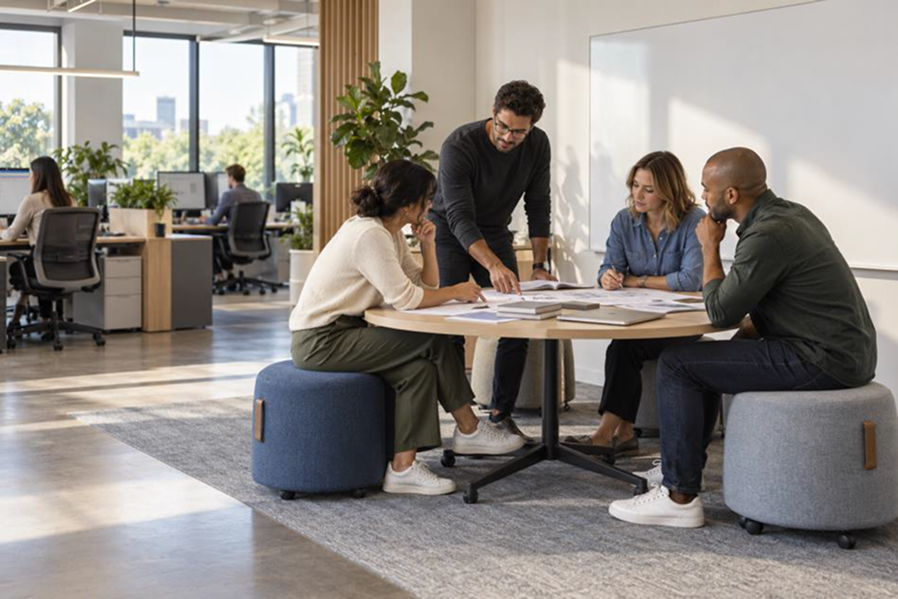
Collaboration becomes easier when teams can move from individual work to a shared space without crossing the entire office.
Small meeting rooms, project tables, and standing-height surfaces can support different types of group work.
Location matters.
A collaboration zone placed beside employees who rarely work together may sit empty. One placed beside the people who use it can shorten setup time and make brief discussions easier.
Shared areas should not block circulation or send sound into nearby focus zones. Distance, partitions, and acoustic finishes can keep active team spaces connected without making them distracting.
Use Movement to Reduce Interruptions
Walking routes influence both productivity and comfort. Employees should be able to reach meeting rooms, printers, supplies, restrooms, and exits without cutting through someone else's work area.
Design Clear and Efficient Circulation Paths
Clear paths also reduce bottlenecks. Crowded routes near entrances, printers, or coffee points create noise and repeated interruptions. Moving those destinations away from concentrated work can make a noticeable difference.
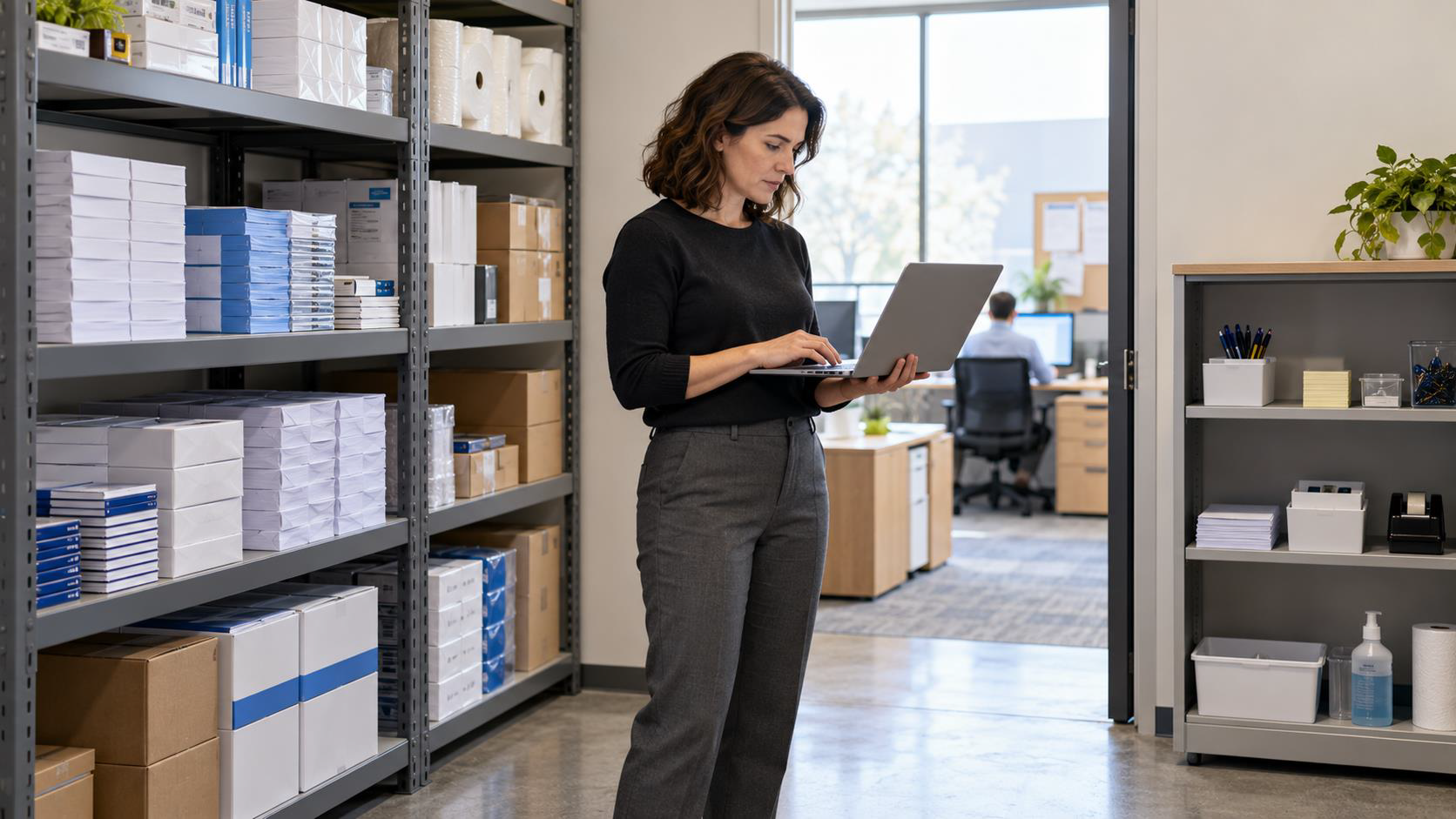
Storage can guide movement too. Cabinets and shelving may define a boundary between zones while keeping supplies near the people who need them.
The goal is a floor plan that feels easy to understand without signs at every turn.
Balance Visibility and Privacy
Good visibility helps employees find coworkers and understand where activity is happening. Too much exposure can make people feel watched or distracted.
The goal is to create visual boundaries without closing off the office.
Visual Boundaries
Desk orientation, partial-height screens, plants, storage, and glass with suitable treatments can create separation while preserving a sense of openness.
Private Spaces
Enclosed rooms remain important for private conversations and work that involves sensitive information.
The right balance depends on the team. Employees who collaborate throughout the day may prefer greater visibility. Employees handling confidential material or detailed analysis may need a stronger sense of separation.
Give Teams More Than One Way to Meet
One large conference room cannot support every conversation. Two people reviewing a document need a different setting from a project group planning a deadline.
Small Enclosed Rooms
Useful for private conversations, short meetings, and focused discussions involving a few people.
Open Project Tables
Shared surfaces that give project teams room to plan, review documents, and work together.
Informal Seating
Comfortable settings for spontaneous conversations and less formal collaboration.
Larger Meeting Rooms
Spaces designed for larger groups, scheduled meetings, and discussions that require additional equipment.
Each space should have a clear purpose and enough room for the people and tools expected there.
Variety also helps when meeting demand changes during the day. Employees can choose a setting based on group size, privacy, and the length of the discussion instead of taking the first room available.
Make Furniture Support the Layout
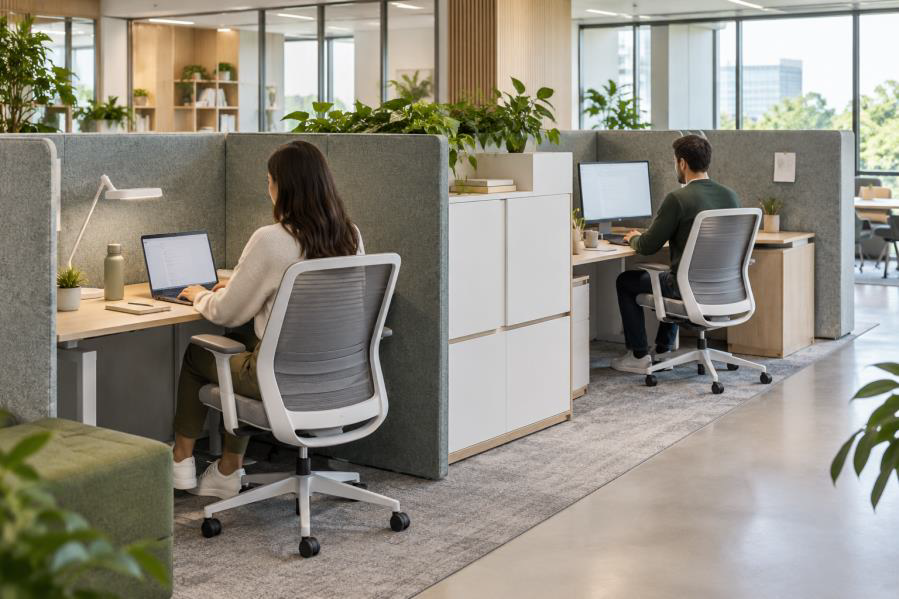
Furniture determines how a floor plan works at the human level. A room may have the right location and size but still fail if the chairs are uncomfortable, the table blocks movement, or power is hard to reach.
- Adjustable seating and work surfaces: Help employees fit the space to their bodies and tasks.
- Mobile tables and light seating: Allow project areas to change when team size shifts.
- Accessible storage: Keep materials close without narrowing paths or crowding workstations.
- Appropriate furniture scale: Maintain enough room to enter, leave, and move comfortably around shared areas.
Furniture scale matters as much as style. Pieces that are too large can make a shared area difficult to enter and leave. Pieces that are too small may not support the equipment or documents employees use.
Account for Hybrid Work Patterns
Hybrid schedules change how often desks, meeting rooms, and shared areas are used. A layout based only on total headcount may leave some spaces empty while others remain hard to book.
Plan around actual attendance patterns.
Look at attendance patterns by day and team. Employees who come in for group work may need more project space and rooms with dependable video equipment. Those who come in for focused work may need quiet settings they cannot access elsewhere.
Make Shared Workstations Practical
Shared workstations can be useful when they are easy to reserve, clean, and adjust.
Employees still need secure storage, dependable power, and a consistent way to connect their devices.
Test the Layout After People Move In
The floor plan should be reviewed after employees begin using it. Observe where people choose to work, which rooms are always booked, and where noise or traffic causes trouble.
Ask Employees Specific Questions
- Can employees find a quiet place when they need one?
- Are team areas close enough to the people who use them?
- Are shared tools and supplies easy to reach?
- Which rooms are consistently in high demand?
- Where do noise and foot traffic cause recurring problems?
Specific feedback is more useful than a general question about whether people like the office.
Adjust Visual Separation
A screen can block a distracting view and help protect concentration.
Reposition Team Areas
A project table can move closer to the team that uses it.
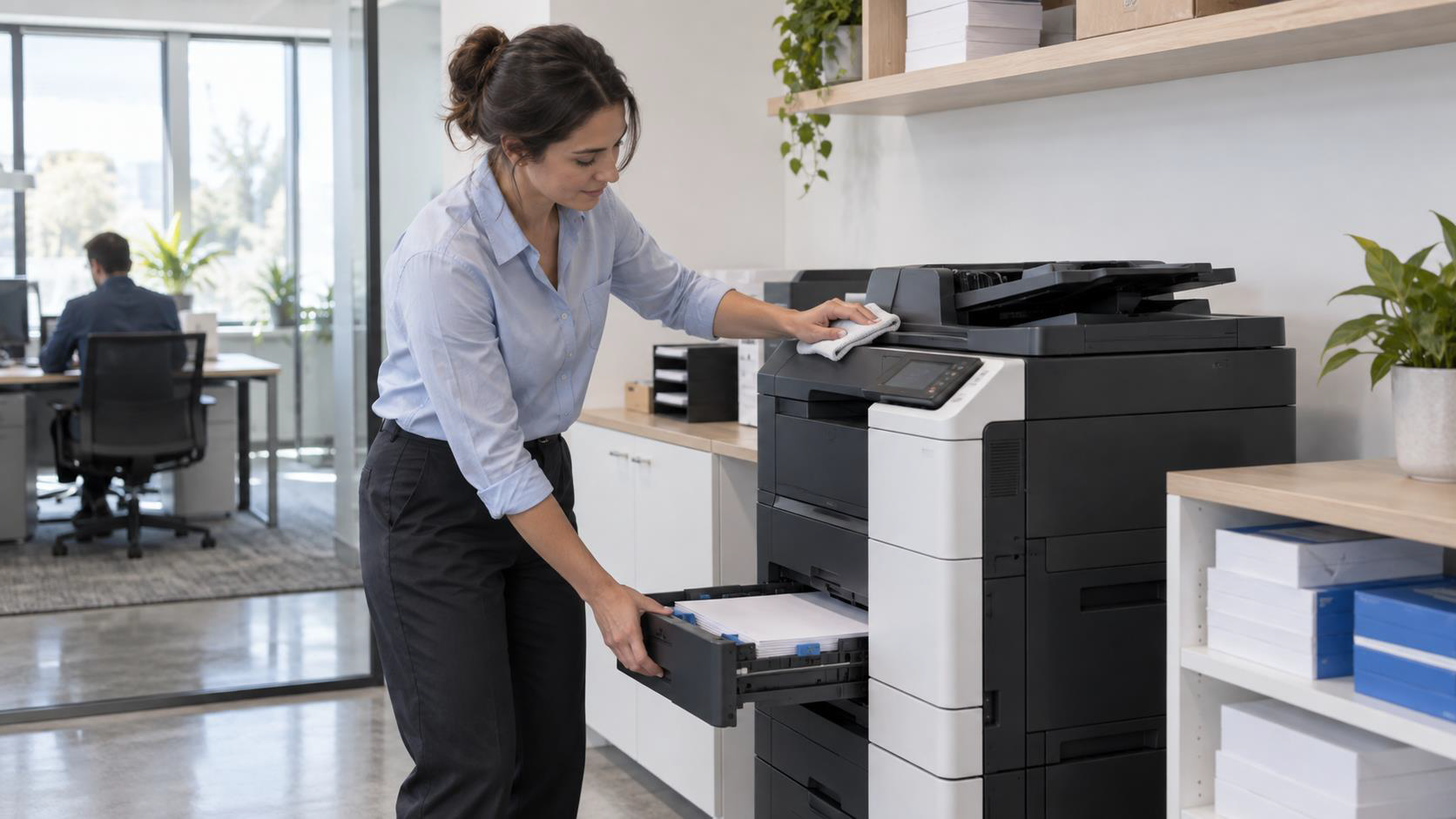
Relocate Shared Equipment
A printer can shift away from a quiet zone to reduce interruptions.
Review Space Usage
Observe how people use the office and make adjustments as needs change.
Treating the layout as adjustable keeps it connected to real work.
Plan the Office Around Attention and Connection
Productive offices give employees control over where they work. They protect concentration, make teamwork easy, and keep movement from becoming a source of interruption.
A thoughtful office layout reflects the tasks people perform, balances visibility and privacy, provides different meeting environments, and uses furniture to make each area practical and comfortable.
Regularly reviewing how employees use the space helps ensure the layout continues to support changing needs, including hybrid work patterns and evolving team structures.
Office Solutions can help your business review space needs, select furniture, and plan work areas that fit how your teams operate.
Ready to Find Your Office Solution?
Contact our team to discuss an office layout that supports both individual work and collaboration.
Contact Us Today