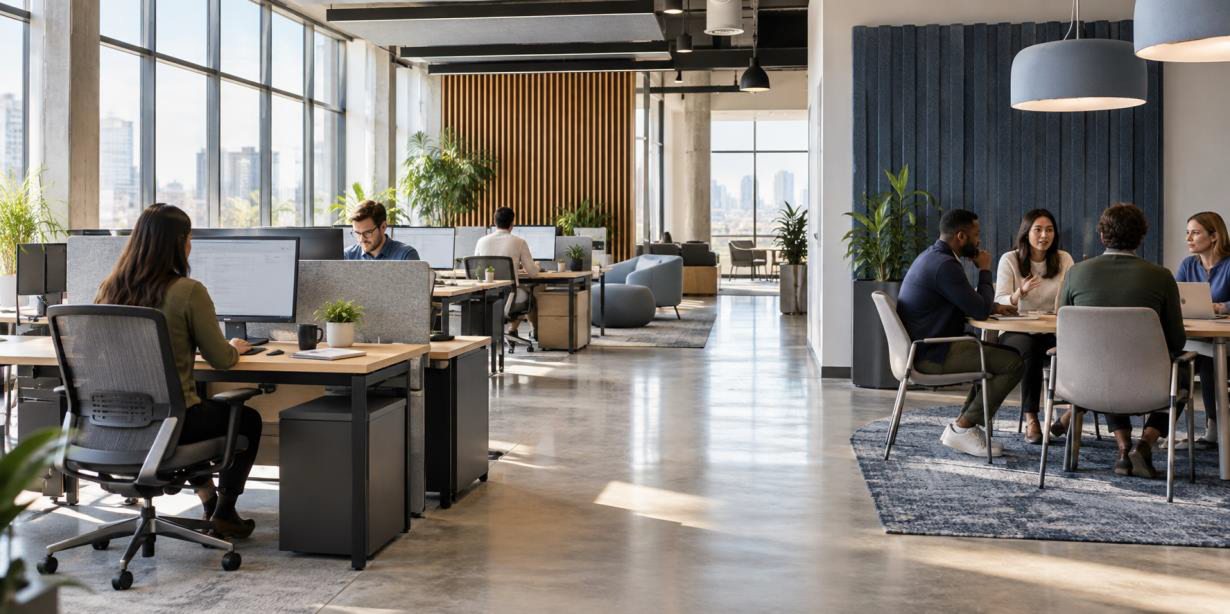
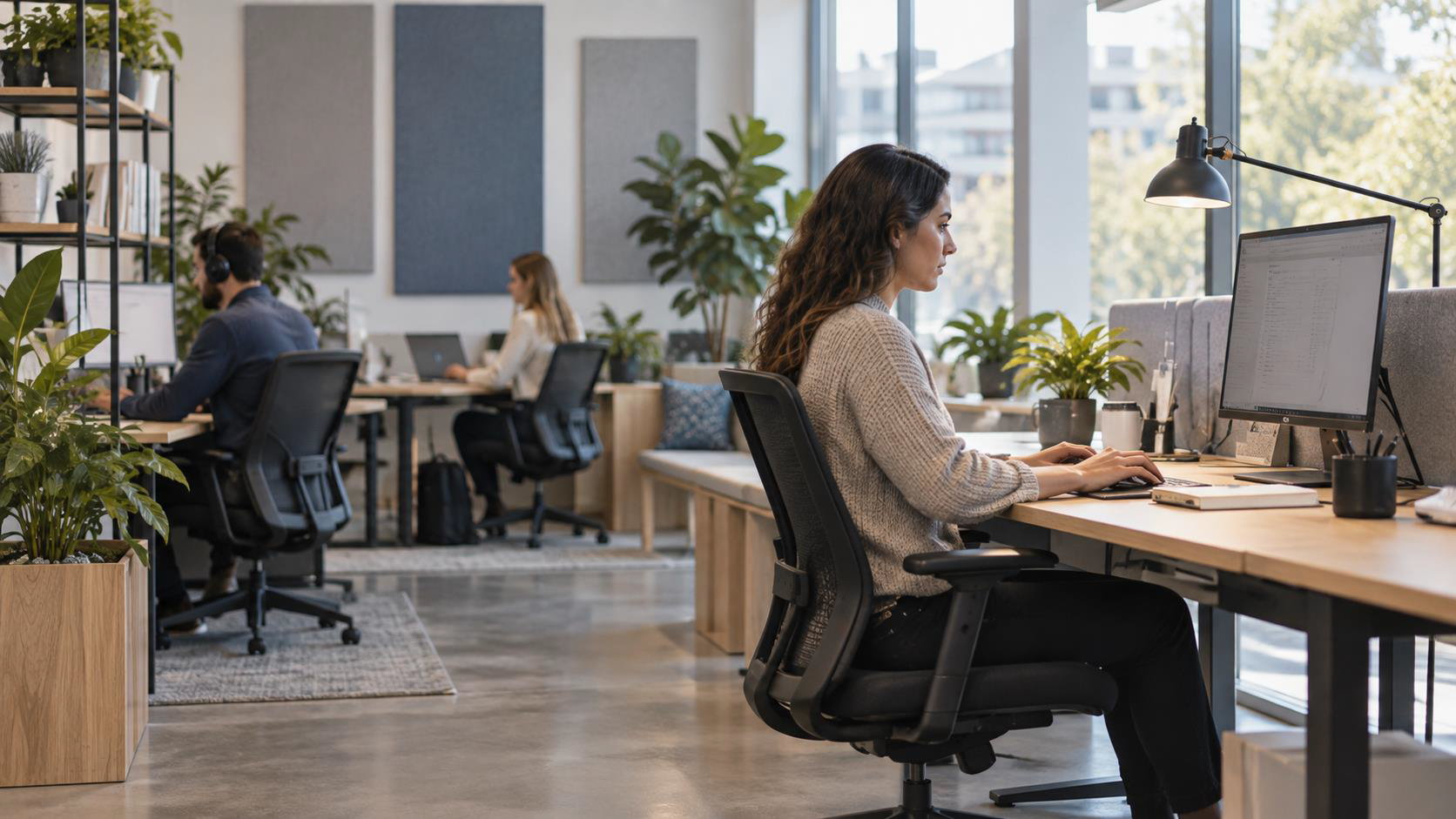
Workplace comfort is often treated as a perk or a matter of appearance. It is part of how the office functions. When employees can adjust their workstations, see their screens clearly, hear what they need to hear, and choose a suitable place for the task, they spend less attention managing the room around them.
The goal is not to build an office that feels the same to everyone. People work differently. A useful workplace gives them enough support and control to stay comfortable throughout the day.
Discomfort takes attention away from the task
Physical discomfort is hard to ignore. Employees may shift in their seats, change positions, leave the desk, or pause to fix a problem that the workstation created. Each interruption breaks concentration.
Environmental discomfort works the same way. Harsh light can make a screen difficult to read. Noise can interrupt writing or analysis. An office that feels too warm or too cold can keep pulling attention away from the work.
Improving comfort removes these points of friction. It does not guarantee better output, but it gives employees a better setting for sustained attention.
Start with a workstation that fits the person
One chair and desk setup will not suit every employee. Height, reach, task, equipment, and work habits all affect what feels comfortable.
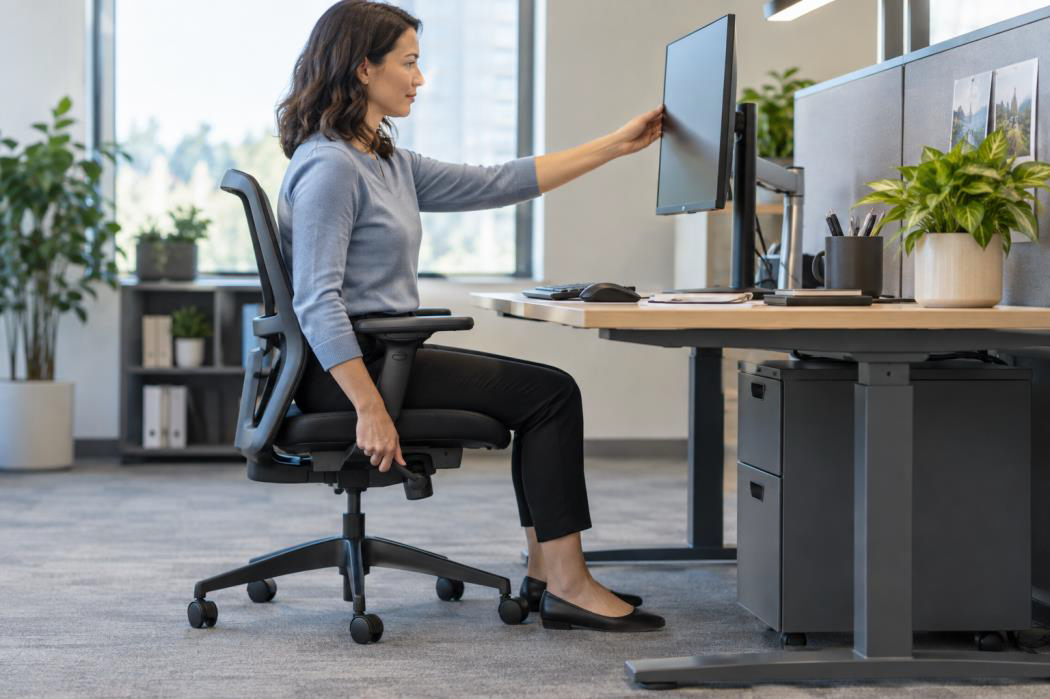
An adjustable chair gives the user control over seat height, back support, arm position, and recline. The monitor should sit at a comfortable viewing height and distance. Frequently used items should be within easy reach. Employees who work on laptops for long periods may need a separate keyboard, mouse, and monitor or laptop stand.
The equipment matters, but adjustment matters too. A good chair cannot help if no one knows how to set it up. Give employees a short workstation guide and time to make changes when they move desks or receive new equipment.
Make lighting work for the task
Employees need enough light to read, write, and work on screens without glare. A bright room can still be uncomfortable if the light hits a monitor at the wrong angle or creates sharp contrast across the desk.
Use daylight where it helps, then manage it with shades or blinds. Position monitors away from direct reflections. Add task lights where employees need more control, especially at workstations that receive uneven light during the day.
Lighting needs can change by task. Detailed paperwork may need a brighter surface. Screen-based work may feel better with softer surrounding light. Adjustable lighting lets employees respond without changing the whole room.
Control noise without making the office silent
Conversation supports teamwork, but uncontrolled sound can disrupt work that requires concentration. The answer is not complete silence. The office needs places for different levels of activity.
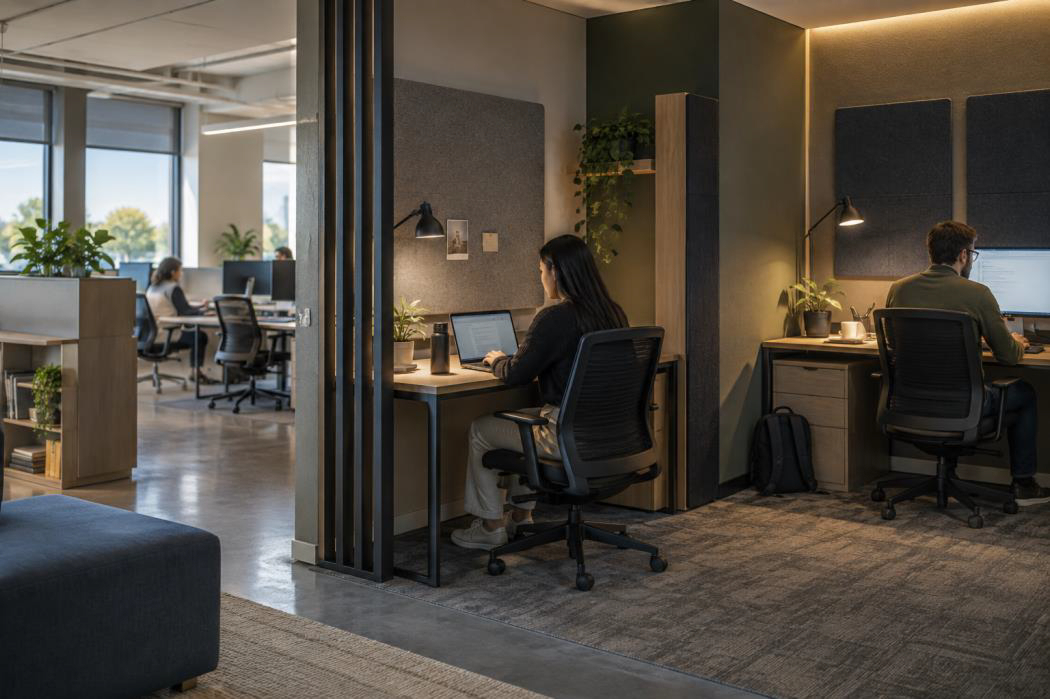
Separate louder collaboration areas from quiet work zones where possible. Use acoustic panels, screens, soft flooring, and sound-absorbing surfaces to reduce how far noise travels. Place shared printers, coffee stations, and other busy destinations away from desks used for focused work.
Small focus rooms or enclosed booths give employees another option for calls, writing, and detailed tasks. Clear expectations also help. Teams should know where conversations are welcome and where voices need to stay low.
Give employees some control over temperature and air
Temperature complaints are common because one setting rarely feels right to everyone. Direct sun, equipment, air vents, and the number of people in a room can also create hot and cold spots.
Start by fixing problems the building can address. Check blocked vents, uneven airflow, persistent drafts, and workstations placed beside heat-producing equipment. Window shades can reduce heat and glare in areas with strong sun.
Where building controls are limited, seating choice can help. Employees who feel cold near a vent or warm beside a window may be more comfortable at another workstation. Personal fans or other approved devices may be useful when they meet workplace safety rules.
Match the space to the work
A desk that works well for email may not suit a private conversation, a project review, or a long period of concentrated writing. Productivity improves when employees can use a setting that fits the task.
A balanced office may include assigned or shared workstations, quiet rooms, meeting spaces, informal collaboration areas, and places for short breaks. Each area needs a clear purpose. A focus room should support focus. A meeting area should have enough surface space, seating, power, and display access for the people using it.
Choice also helps employees manage changes in energy and attention. Moving to a quieter room or standing-height surface can make it easier to continue working when the current setup stops serving the task.
Keep shared spaces easy to use
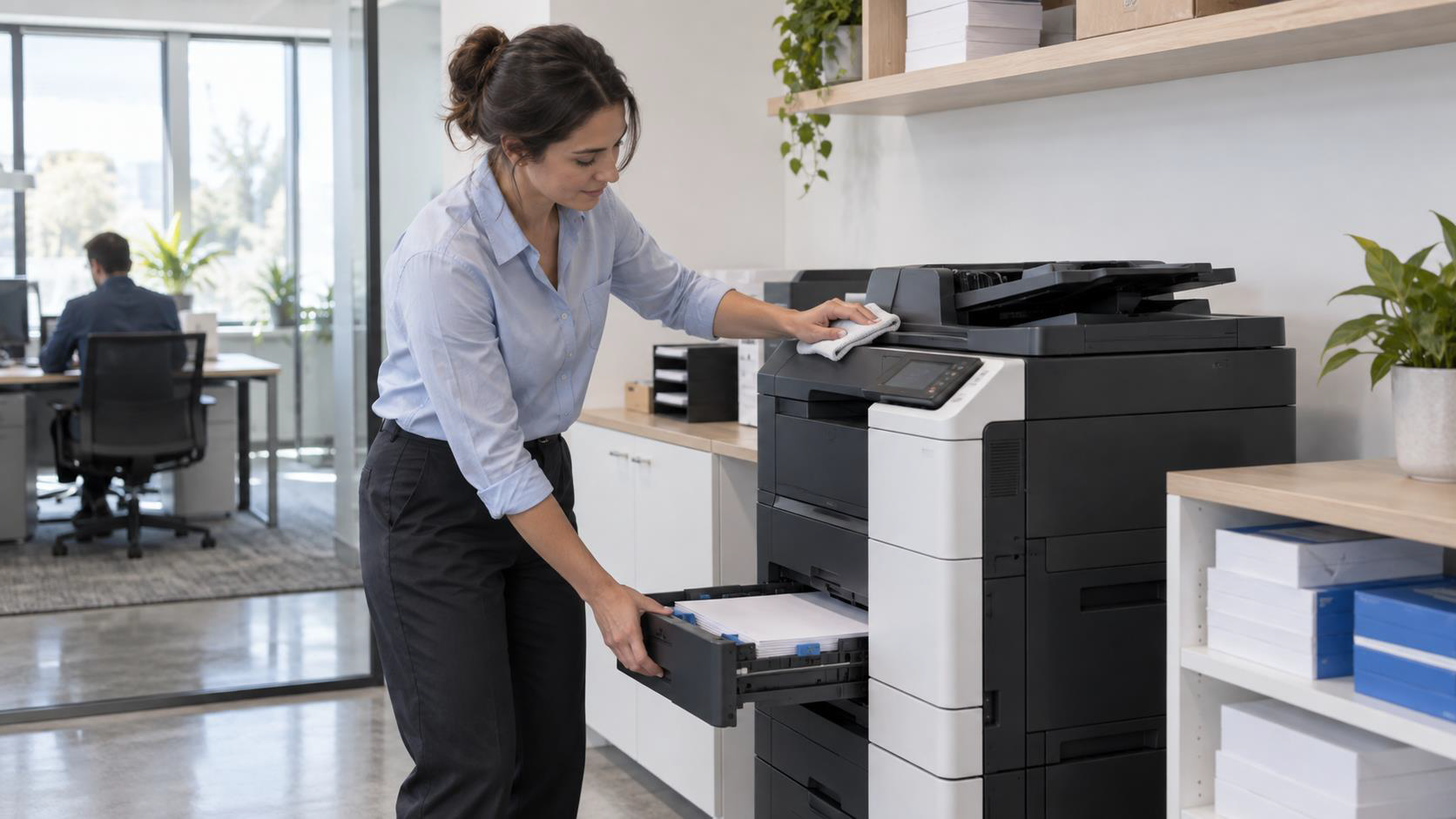
Comfort extends beyond the desk. Crowded storage, empty supply stations, unstable tables, and poorly placed equipment create small delays throughout the day.
Keep shared tools near the teams that use them. Give supplies a clear home and restock them on a set schedule. Check that meeting room chairs, tables, cables, and display equipment are ready before people arrive.
Break areas deserve the same care. Employees need a clean place to step away from the desk, eat, or reset between tasks. The space does not need elaborate features. It needs suitable seating, clear surfaces, working appliances, and dependable supplies.
Ask employees where comfort breaks down
An office walkthrough can identify visible issues, but employees experience the space every day. Ask where noise travels, which chairs are difficult to adjust, when glare appears, and which rooms feel too warm or cold.
Keep the review practical. Look for patterns across teams and times of day. One isolated preference may need an individual fix. Repeated feedback from the same area may point to a furniture, lighting, sound, or airflow problem.
After making a change, check whether the original problem improved. A new acoustic screen that blocks light or a chair that does not fit the desk can create a different issue. Comfort requires adjustment over time.
Build comfort into everyday workplace decisions
Comfort does not depend on one furniture purchase. It comes from the way seating, lighting, acoustics, layout, supplies, and workplace habits work together.
Office Solutions can help you select workplace furniture, plan practical work areas, and support the supplies employees use each day. Our team can review the way your space functions and recommend changes that fit your people, tasks, and budget.
Ready to find your “Office Solution”?
Contact Office Solutions today to schedule a consultation and transform your workplace!
Contact Us Today